DPS attach: start the desktop idle, then Instant Chest Open
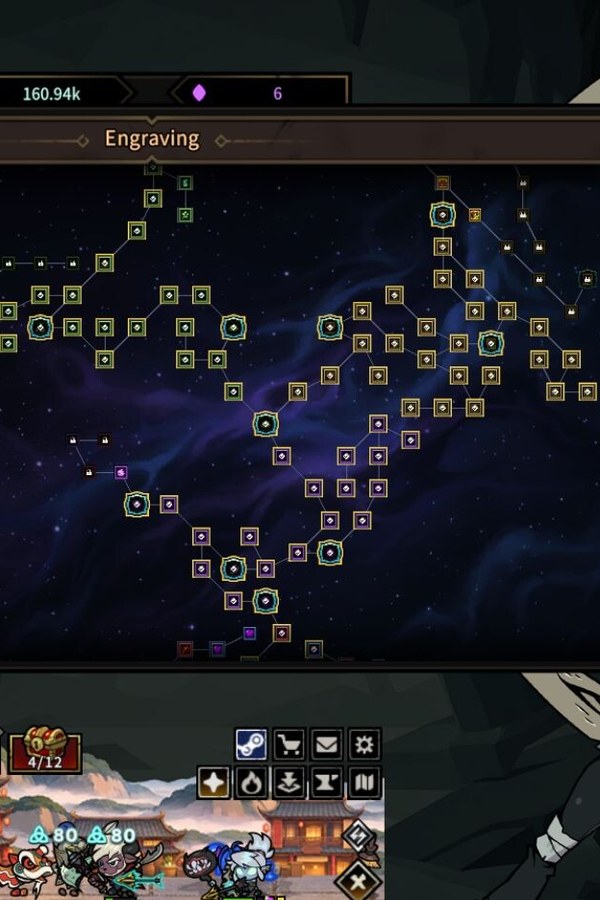
Why DPS is picky about attach
The process is DPS / DesktopPensionSquad / DPS-Win64-Shipping. Icon-mode sits on the desktop; if you press Play from a launcher menu with no squad on screen, the overlay has nothing to bind.
Order that actually works
- Unpack ACGamerHub.zip from the DPS card — same zip as ROB RUN, not a private DPS archive.
- Get a chapter running until monster icons are ticking.
- Open the DPS slot, press Play, wait a few seconds.
- First toggle: Instant Chest Open (Num 1). Add Infinite Dungeon Cores (Num 2) if chests still need rarity fuel.
- Always Legendary Chest (Num 3) after cores are stable. Skip God Mode Squad until a wipe already ended the run.
Leave alone
Do not flip Free Steam Craft against someone else's listing. Canonical host is asgamehub.com. Deck-wide steps: how-to.
Kommentare · 7